
Table of Contents
I know that feeling. You open your banking app, see the mortgage bill, and your mind goes blank on which button to click. My own family went through the same thing right after our loan moved to Carrington. We had no idea if online payment was safe, or if mailing a check was still the better option.
This guide clears up all of that confusion. By the end, you will know every way to make a Carrington Mortgage Payment, what happens if you are late, and who to call when something feels off. No guesswork, no runaround, just plain answers.
Ways to Make Your Carrington Mortgage Payment
Carrington gives homeowners several ways to pay each month. Some methods work instantly, while others take a few extra days to process. Pick the one that fits your schedule and comfort level.
Pay Online Through Your Carrington Account
Log in at CarringtonMortgage.com and go to the payment section of your account. You can pay online with a linked bank account in just a few clicks. This is the fastest way to handle a Carrington Mortgage Payment without leaving your couch. Your payment history and balance also update right on the same screen.
Pay via the Carrington Mobile App (Quick Pay)
The Carrington Quick Pay app lets you send a payment with one swipe. It saves your bank details so you do not need to type them in every time. You also get push alerts about your account, including reminders before your due date. Download it from the App Store or Google Play.
Pay by Automated Phone System
Call the automated line and follow the prompts to make a payment without waiting on hold. This works well late at night or on weekends when live agents are off. You will need your loan number and bank account details ready. The system confirms your payment before you hang up.
Pay Through a Customer Service Representative
If you prefer talking to a real person, a representative can take your payment over the phone. This helps when you have questions about your balance at the same time. Representatives are available during business hours only. Keep your account number close by to speed things up.
Pay Through Your Bank’s Online Bill Pay
Most banks let you set up a one time or recurring payment straight from your checking account. You just enter Carrington’s mailing address as the payee. One thing to note is that your bank will not automatically adjust the amount if your escrow payment changes. You will need to update it yourself each time.
Pay by Mail (Check)
Some homeowners still like sending a paper check. Make it payable to Carrington Mortgage Services, LLC and include your loan number on the memo line. Mail it early enough so it arrives before your due date. This method takes the longest to process.
Pay via Western Union Quick Collect
Western Union Quick Collect lets you pay in person at a nearby agent location. Carrington does not charge a fee for this option, though Western Union might. Payments sent this way post to your account the next business day. Bring your loan number to the counter to complete it.
Pay via MoneyGram
MoneyGram works much like Western Union. You will need Carrington’s receive code, which is 7998, along with your loan number. Find a nearby location on MoneyGram’s website or by calling their support line. This is a handy backup option if a Western Union agent is not close by.
Carrington Mortgage Payment Methods Compared
Here is a quick side by side look at how each option stacks up.
| Payment Method | Speed | Typical Fee | Best For |
|---|---|---|---|
| Online account | Same day | None | Fast, everyday payments |
| Mobile app | Same day | None | On the go payments |
| Automated phone | Same day | None | After hours payments |
| Live representative | Same day | None | Questions plus payment |
| Bank bill pay | 2 to 5 days | Possible bank fee | Set and forget payers |
| Mail (check) | 5 to 7 days | None | Homeowners who avoid digital tools |
| Western Union | Next business day | Possible agent fee | In person payers |
| MoneyGram | Next business day | Possible location fee | In person payers |
Setting Up AutoPay for Your Carrington Mortgage
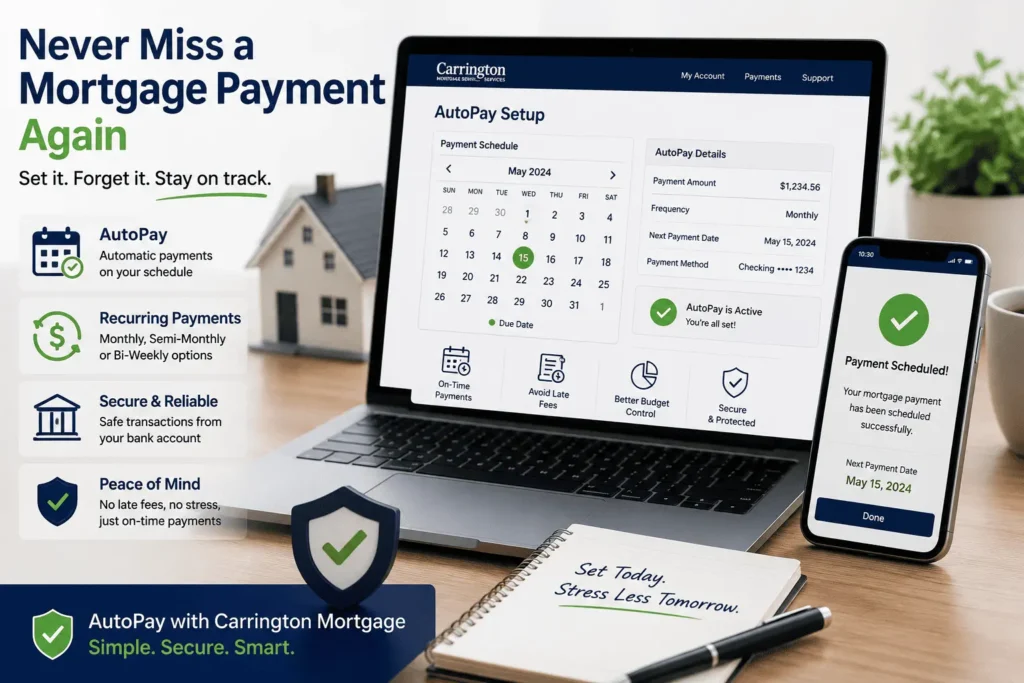
AutoPay takes the guesswork out of a Carrington Mortgage Payment. Once it is set up, your payment goes out on its own every month. You never have to remember a due date again.
Monthly, Semi-Monthly, and Bi-Weekly AutoPay Options
You can choose a monthly draft, or split it into semi-monthly or bi-weekly payments. You also pick any draft date between the 1st and the 15th of the month. Log into your account, click AutoPay, and enter your bank details to get started. The mobile app has the same setup option in its menu.
AutoPay vs. Your Bank’s Bill Pay (Key Differences)
AutoPay through Carrington adjusts your payment automatically if your escrow amount changes. Bank bill pay does not do this, so you have to update the amount yourself. Missing that update can lead to a short payment and a late notice you did not expect. This small difference is why many homeowners switch to Carrington’s own AutoPay tool.
Carrington Mortgage Payment Addresses
If you mail your payment, using the right address matters. A wrong address can delay your payment by days.
Standard Mailing Address
Send regular payments to Carrington Mortgage Services, LLC, P.O. Box 660586, Dallas, TX 75266-0586. Always write your loan number on the check itself. This helps avoid any mix up if the envelope gets separated from your paperwork.
Overnight/Expedited Payment Address
For overnight or expedited delivery, use this address instead: Carrington Mortgage Services, LLC, Cashiering Dept. 2-270, 500 North State College Boulevard, Suites 1030, 1300, and 1400, Orange, CA 92868. This option costs more through your courier, but it gets your payment there fast. Use it only when you are close to a deadline.
How to View Your Carrington Mortgage Payment History and Balance
You do not need to guess your balance or wonder if last month’s payment posted. If you are managing your Carrington Mortgage login, your dashboard shows your full payment history in one place. It lists each payment date, the amount applied, and your remaining balance. The mobile app mirrors this same information for quick checks on the go.
Is My Loan With Carrington or Movement Mortgage Powered by Carrington
This mix up trips up a lot of homeowners. Some loans are serviced directly by Carrington Mortgage Services, while others fall under Movement Mortgage powered by Carrington, a separate branded portal. These two use different websites and different customer service numbers, even though Carrington handles the servicing behind the scenes. Check your monthly statement header to see which one applies to your loan.
If your statement says Movement Mortgage powered by Carrington, you will manage your account through PoweredByCarrington.com instead of CarringtonMortgage.com. The phone number will also be different from the standard Carrington line. Getting this detail right saves you from logging into the wrong portal and wasting time.
Carrington Mortgage Grace Period and Late Fees
Most loans include a grace period after your due date. Knowing your exact window helps you avoid a fee you did not plan for.
What Happens If You Miss the Grace Period
Many loans give a 15 day grace period, so a payment due on the 1st has until the 16th before it is late. If your payment lands after that window, a late fee gets added to your account. The exact grace period and fee amount depend on your loan documents. Check your note or call customer service to confirm your specific terms.
How a Late Payment Affects Your Credit Score
A payment that is more than 30 days late can get reported to credit bureaus. This can lower your credit score and stay on your report for up to seven years. Even one late mark can make it harder to refinance or get approved for other credit later. Setting up AutoPay is one of the simplest ways to avoid this problem.
What Happens If Your Payment Fails or Is Returned
Sometimes a payment bounces because of a typo in your bank details or low funds. When that happens, Carrington will send you a notice explaining what went wrong. Your account may then show as unpaid for that month, even if you thought it went through. A returned payment can also trigger the same late fee and grace period rules described above.
Fix a failed payment as soon as you notice it. Log back into your account, correct the bank details, and resubmit your Carrington Mortgage Payment right away. Acting fast keeps the issue from turning into a bigger credit problem. If you are unsure why a payment failed, call customer service for the exact reason.
How Escrow Changes Can Affect Your Payment Amount
If your loan includes an escrow account, part of your payment covers property taxes and insurance. These costs can change year to year, which changes your total monthly payment. Carrington runs an escrow analysis to check if your account has enough funds for the coming year. If it does not, your payment amount will go up to cover the shortage.
This is exactly why AutoPay through Carrington works better than a bank’s bill pay feature. AutoPay updates itself automatically after an escrow change. Bank bill pay stays at the old amount unless you update it by hand. Watching for an escrow notice each year helps you plan ahead for any increase.
Carrington Mortgage Customer Service for Payment Issues
Sometimes a phone call is the fastest way to fix a payment problem. Knowing which number to dial saves you from getting transferred around.
Phone Numbers and Hours by Department
General customer service can be reached for most payment questions during weekday business hours. A separate line handles new loan or loan officer questions, while another line covers property insurance and claim related calls. If your issue involves a payment that did not apply correctly, general customer service is your best first call. You can also reach the Carrington Mortgage support team through your online account message center for non urgent questions.
What to Expect When You Call (Phone Menu Options)
When you call, the automated menu asks you to choose an option. Pressing one option lets you make an automated payment right away. Other options connect you to property tax questions, insurance questions, or claim check details. Listening closely to the menu the first time saves you from getting sent to the wrong department.
What to Do If You Can’t Make Your Carrington Mortgage Payment
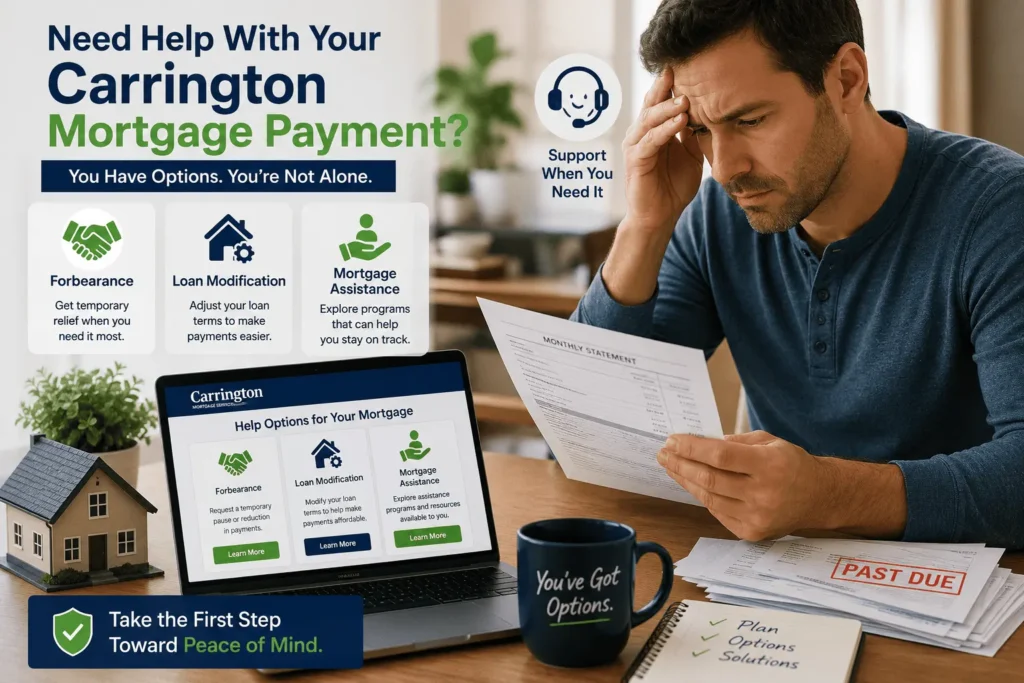
Life happens, and sometimes a payment is simply out of reach that month. Carrington offers a few paths to help you stay in your home instead of falling behind.
Forbearance
Forbearance lets you pause or reduce your payments for a set period of time. At the end of that period, you work out a plan to repay what you missed. This option works best for short term problems like a job loss or medical bill. You can request it by logging into your account and choosing the Mortgage Assistance Portal.
Loan Modification
A loan modification permanently changes your loan terms to make payments more manageable. This might mean a lower interest rate or moving past due amounts to the end of the loan. It is a good fit for homeowners facing a longer term change in income. Applications go through the same Mortgage Assistance Portal as forbearance requests.
Short Sale or Deed in Lieu
If keeping the home is no longer realistic, a short sale lets you sell it for less than what you owe. A deed in lieu means you hand the property back to Carrington instead. Both options avoid the harder hit of a full foreclosure on your credit. For detailed guidance on which option fits your situation, you can also reach out to james@allthings-mortgage.com for extra support.
Conclusion
Making a Carrington Mortgage Payment does not need to feel confusing once you know your options. From online payments and AutoPay to mail and in person options, there is a method that fits every homeowner’s routine. As promised at the start, you now have a clear path for paying on time and handling any bumps along the way. Keep this guide handy the next time a payment question comes up.
Frequently Asked Questions
What is the phone number to pay my Carrington Mortgage payment by phone?
Carrington’s customer service line handles automated and live phone payments during business hours. The automated system is available for quicker payments any time you call. Have your loan number and bank details ready before dialing. This keeps the call short and simple.
How do I set up AutoPay for my Carrington Mortgage payment?
Log into your Carrington account and click on the AutoPay section under payment settings. Choose a monthly, semi-monthly, or bi-weekly schedule and pick a draft date between the 1st and 15th. Enter your bank account information to finish setup. The mobile app offers the same option under its menu.
Is there a grace period for a Carrington Mortgage payment?
Most Carrington loans include a grace period, often around 15 days after the due date. This gives you extra time before a late fee applies. The exact number of days depends on your specific loan documents. Review your note or call customer service to confirm your terms.
Can I pay my Carrington Mortgage payment through Movement Mortgage?
Some loans are branded as Movement Mortgage powered by Carrington instead of standard Carrington Mortgage Services. These loans use a separate website called PoweredByCarrington.com for payments. Check your monthly statement to see which portal applies to your loan. Using the wrong site can cause login confusion.
What happens if my Carrington Mortgage payment does not go through?
A failed payment is usually caused by incorrect bank details or low funds. Carrington will notify you and the payment may count as unpaid for that month. Fix the issue and resubmit as soon as possible to avoid a late fee. Call customer service if you need help figuring out the cause.